Menu
Home
Promotions
Products
Frequently Asked Questions
Services
Why Dialog Pay
Contact Us
Home
Promotions
Products
Frequently Asked Questions
Services
Why Dialog Pay
Contact Us
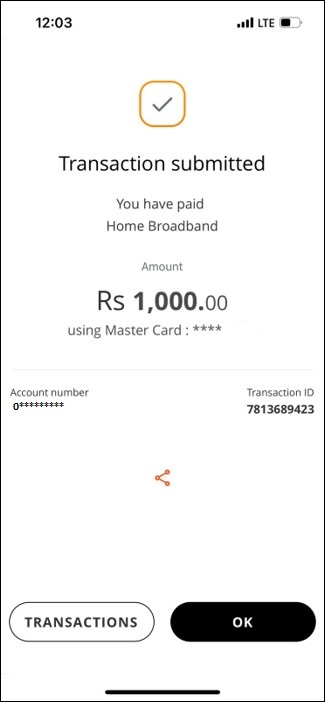
How to Reload Home Broadband Connection/ Pay bills with genie
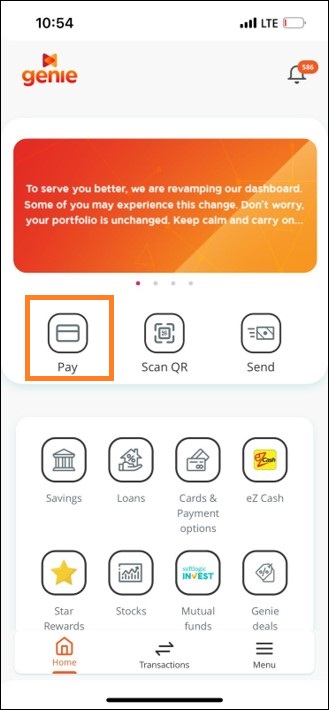
1.Click “Pay” button
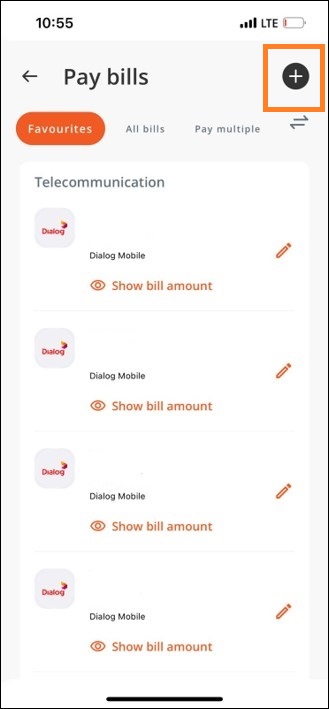
2.Click on “+” button to add a biller
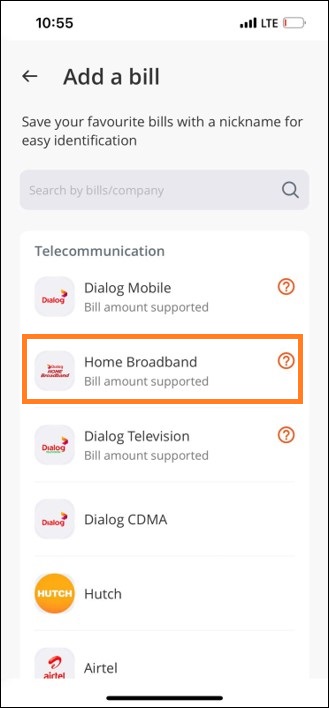
3.Select “Home Broadband”
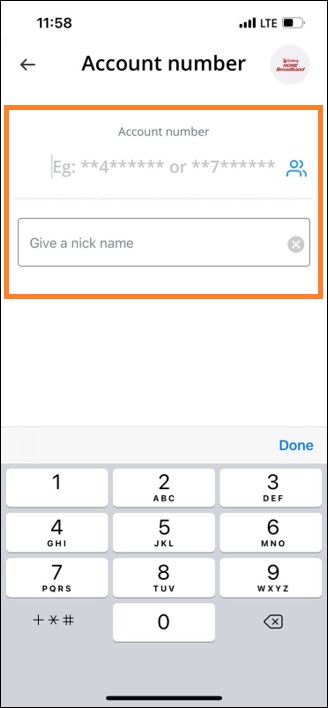
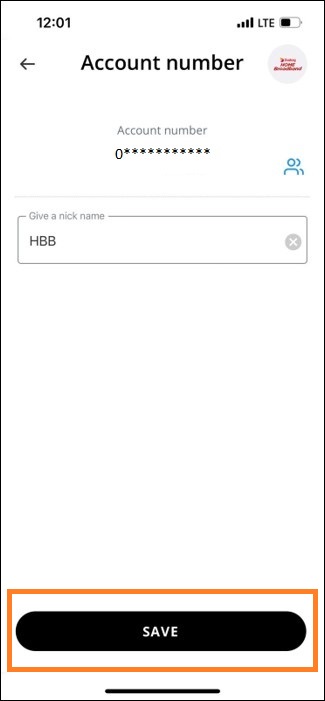
4.Enter the account number and give a nick name to save biller
5.Press “SAVE” button to save biller
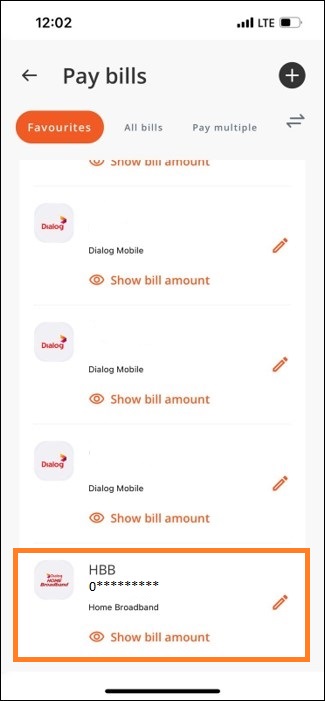
6.Tap on biller to Pay
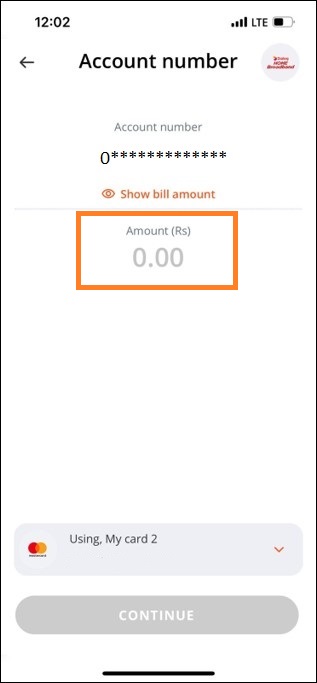
7.Enter the amount
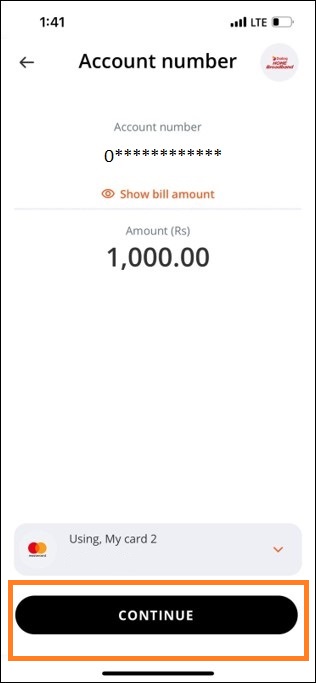
8.Tap on “CONTINUE” to pay
9.Enjoy your Reload!